
December 2025 GSatTrack Updates
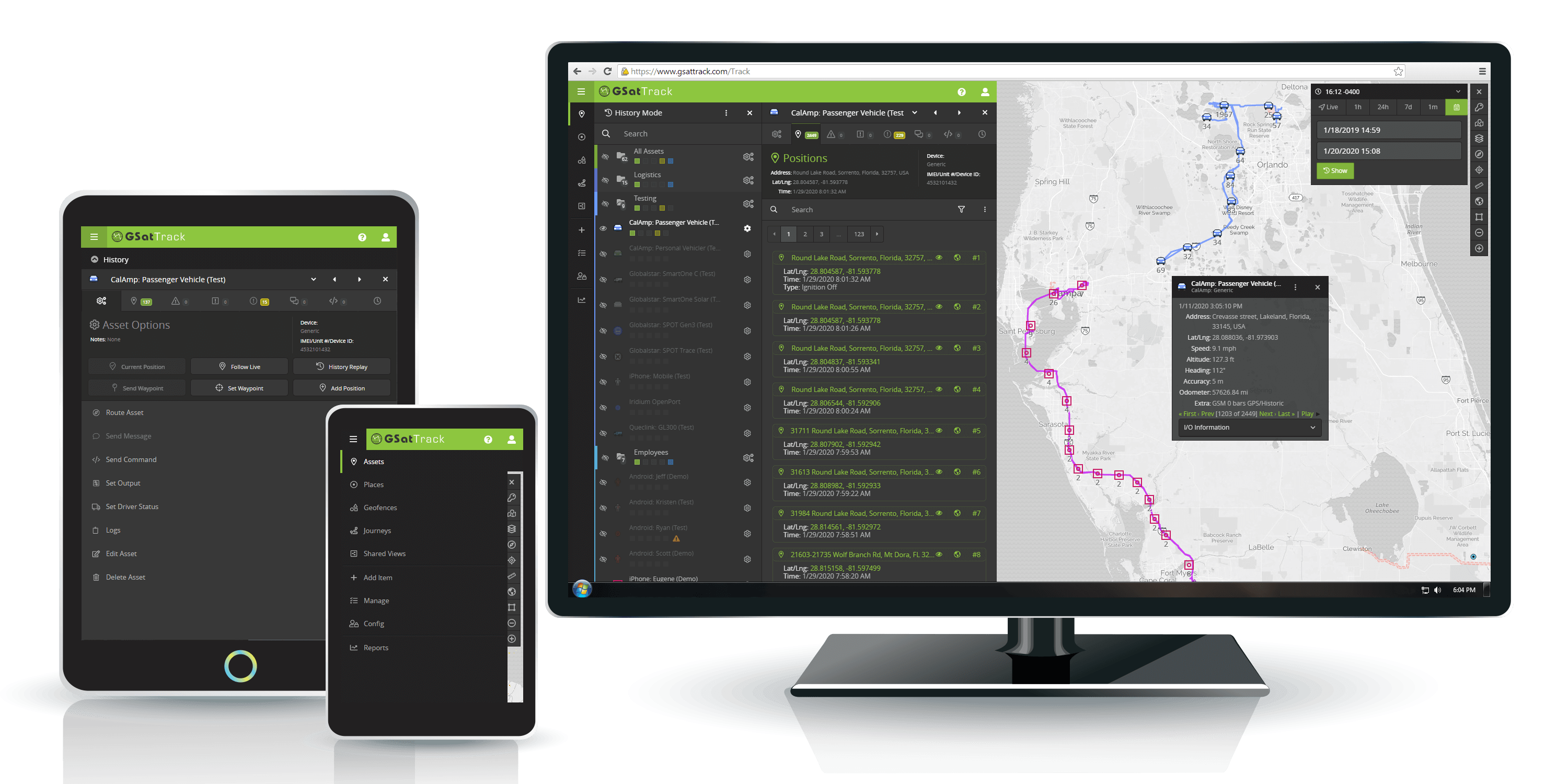
What's New in GSatTrack?
Just in time for end of year holidays, our engineers have dropped some gifts in the GSatTrack portal for all of you to enjoy.

Event and Status Icon Updates
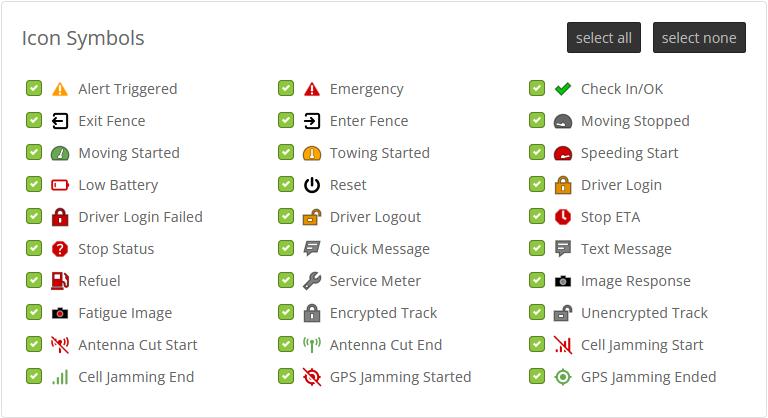
Events and Status icons -- such as Enter/Exit Fence, Alert Triggered, etc -- have been updated to be of higher quality at all resolutions. These icons will now also appear more prominently within the position information dialog for related events when available.
History Mode Rendering Updates
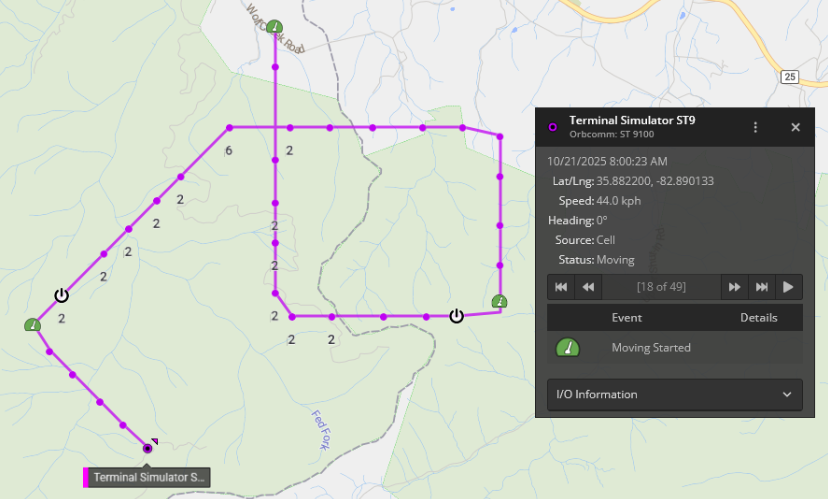
History mode rendering has changed to display more event-related context around each asset's Trails by default, emphasizing important events while de-emphasizing otherwise normal track positions to reduce visual clutter. In this mode the asset's most recent location will also be highlighted with a tooltip including the asset's name.
Customization Options
Which events are considered important and are rendered is a user-customizable option, found within the map's Legend.
Geofence Group Support in Alerts
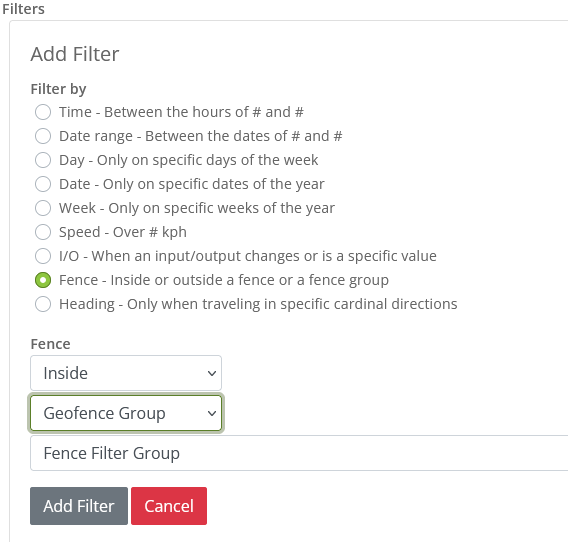
Alerts involving geofences can now be applied to "All geofences" and groups of geofences as well, allowing for easier maintainability.
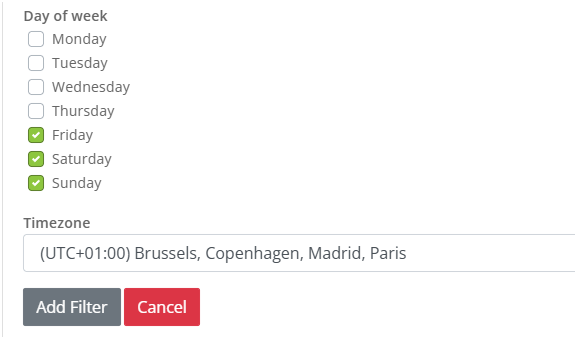
Explicit Timezone Support when Creating, Editing and Viewing Alerts
Alerts that have date or time filters now include a timezone selection option which defaults to the user's preferred timezone. This intended timezone will be included in outputs when the timezone of the user does not match the timezone of the alert to remove any ambiguity around alert triggering behavior on accounts with users across multiple timezones. For example, an alert set to trigger on Mondays in UTC timezone viewed by a user in an EST timezone.
Other Fixes
- Improved snap-to-roads rendering for disconnected track segments and off-road parking
- Driver Summary report could include incorrect maximum and average speeds
- Duplicate text message or alert triggered notifications could be created on the map interface
- Newly created asset groups have incorrect folder icons applied
- Activation Report includes incorrect columns under certain account configurations
- More relevant error messages for too-large PDF exports
About the Author

GSE's product team has been identifying the opportunities to create and deliver 'impossible' and innovative solutions to the satellite industry since GSE was born in 2004.
More Information
For general inquiries, please contact sales@gsat.us. For more technical information, please contact support@gsat.us. You may also call us at +1.954.459.4000